

A great shirt print is rarely the result of one magic temperature. It comes from controlling your printer workflow, selecting the right transfer profile, and applying the finished film with accurate heat, time, and pressure.
For best DTF printer settings for T-shirts, we recommend treating every new blank as a controlled test, not a production gamble. Cotton, polyester, blends, and fleece react differently. The most profitable shops record what works, repeat it, and avoid sacrificing sellable shirts to guesswork.
Start With a Press Profile You Can Repeat
The best baseline for standard cold-peel DTF transfers is 315°F for 15 seconds with firm to high pressure, followed by a full cold peel and an optional five-second finishing press. That profile gives apparel creators a dependable starting point, but your transfer supplier and garment fabric should always make the final call.
| T-Shirt Type | Temperature | Initial Press | Pressure | Peel |
|---|---|---|---|---|
| Cotton or cotton blend | 315°F | 15 seconds | Firm to high | Cold |
| Polyester activewear | 300°F | 10 to 12 seconds | Firm | Cold |
| Cotton-poly blend | 305 to 315°F | 12 to 15 seconds | Firm | Cold |
| Glitter DTF transfer | 320°F | 8 to 10 seconds | Medium-firm | Follow product instructions |
Our DTF transfer press instructions use 315°F, a three-to-five-second pre-press, firm to high pressure, a 15-second application, full cooling, and a cold peel for standard transfers. Keep this as your starting production profile, then adjust one variable at a time.
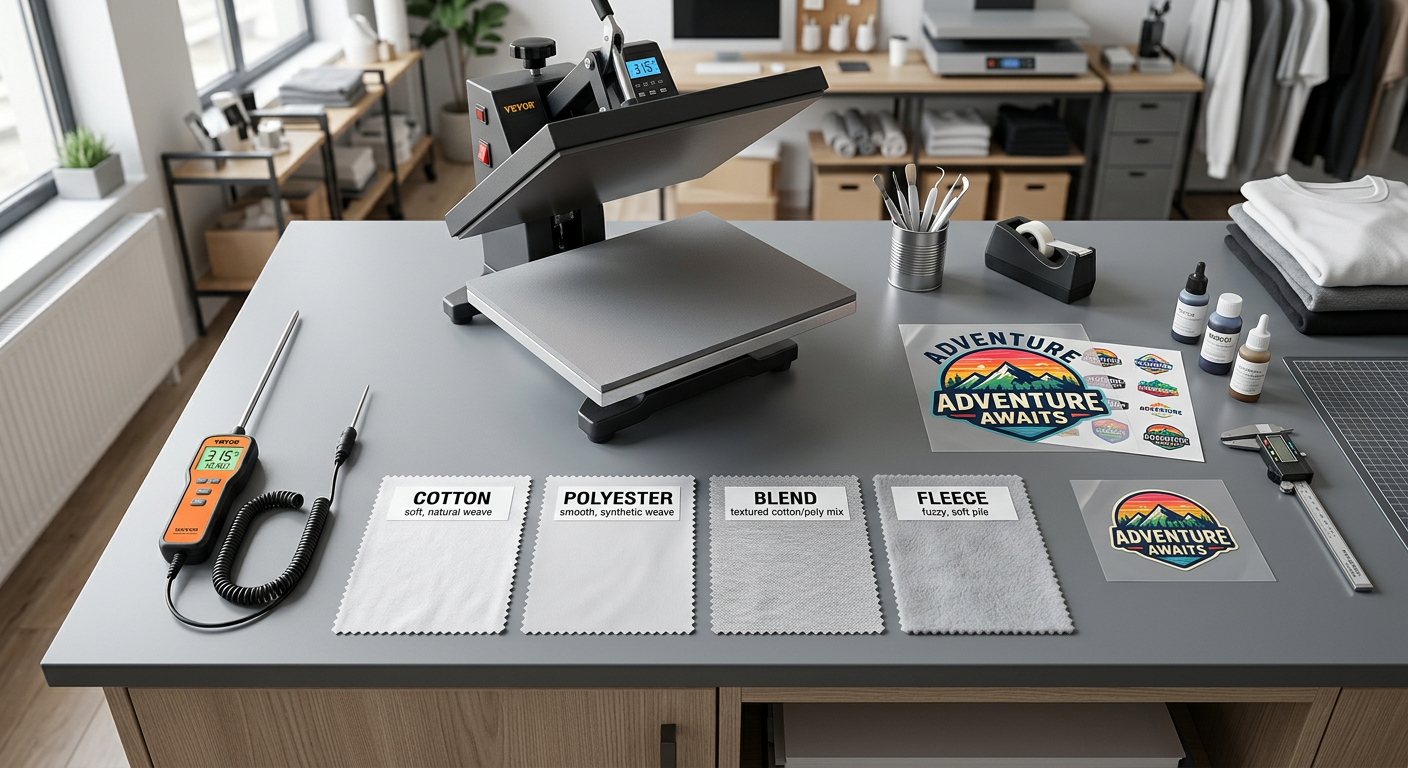
Why one setting cannot fit every shirt
Heat presses can display the same number but deliver different real platen temperatures. Garment weight, seams, moisture, platen pressure, and the adhesive system also change the outcome. A transfer that bonds beautifully on a ring-spun cotton tee may leave shine or invite dye migration on a dark performance shirt.
That is why we never recommend copying a random profile and running a full customer order. Print a sample on the exact blank, inspect the cooled peel, stretch the graphic lightly, then wash-test it before making that shirt part of your standard offering.
Separate Printer Settings From Heat Press Settings
Printer settings make a transfer look sharp. Heat press settings make it stay on the shirt. Both matter, but they solve different problems.
Build a stable DTF print profile
For in-house DTF printing, begin with the ICC or RIP profile made for your printer, ink set, film, powder, and curing system. Avoid raising ink density or white-ink volume simply because a print looks richer on film. Excess ink can create muddy edges, a heavy hand, poor powder coverage, and inconsistent curing.
Use these production controls instead:
- Resolution: Use the manufacturer-recommended quality mode for detailed logos and gradients. Higher resolution is not automatically better if it slows output or overloads the film.
- White underbase: Keep it strong enough to support bright colors on dark garments, but not so heavy that fine details fill in or the transfer feels stiff.
- Ink limits: Adjust only after controlled tests. If color looks dull, confirm nozzle health and curing before adding ink.
- Film feed and vacuum: Keep film tracking straight and stable. Banding, shifted layers, or inconsistent white registration are production issues, not heat-press issues.
- Curing: Cure adhesive evenly according to your powder and film system. Under-cured powder can fail to bond. Over-curing can make a print brittle.
Epson’s maintenance guidance for its DTF equipment recommends daily attention to white ink and cleaning the print head when nozzle checks show clogs, blurred output, or missing sections. That supports a simple shop rule: run a nozzle check before jobs with fine text, gradients, or large color fields. Epson maintenance guidance
Use supplier instructions as the final authority
Different adhesive and film systems require different application profiles. For example, STAHLS’ UltraColor MAX application instructions specify 290°F for 12 to 15 seconds with medium pressure and a hot peel. That is a useful reminder that a reliable DTF workflow follows the product in your hands, not a universal internet setting.
The Production-Test Method That Protects Your Margin
A simple test routine is the fastest way to find the best DTF printer settings for T-shirts without burning through blanks. We use a progressive approach: lock the transfer quality first, then validate application on each garment category.
Create a press log for every blank
Record the blank brand, fabric content, garment color, transfer type, actual platen temperature, press time, pressure level, peel method, final press, and outcome. Add notes such as “clean edge,” “slight shine,” “ink migration after 24 hours,” or “needs two more seconds.”
This gives your team a usable production library. When an Etsy reorder comes in for the same hoodie or a local uniform customer needs another run, you are not starting from zero.
Adjust only one variable per test
If a corner lifts, do not increase heat, time, and pressure at once. Start by checking pressure and platen contact. Then add one or two seconds if needed. If the garment is heat-sensitive, reduce temperature first and make a small time adjustment only after testing.
That process identifies the real cause of a failure. It also keeps a small issue from becoming a full stack of wasted shirts.
Fabric-Specific Profiles for Better T-Shirt Results
Cotton is forgiving, polyester needs caution, and blends require balance. Your press profile should protect the garment while giving the adhesive a full, even bond.
Cotton and cotton blends
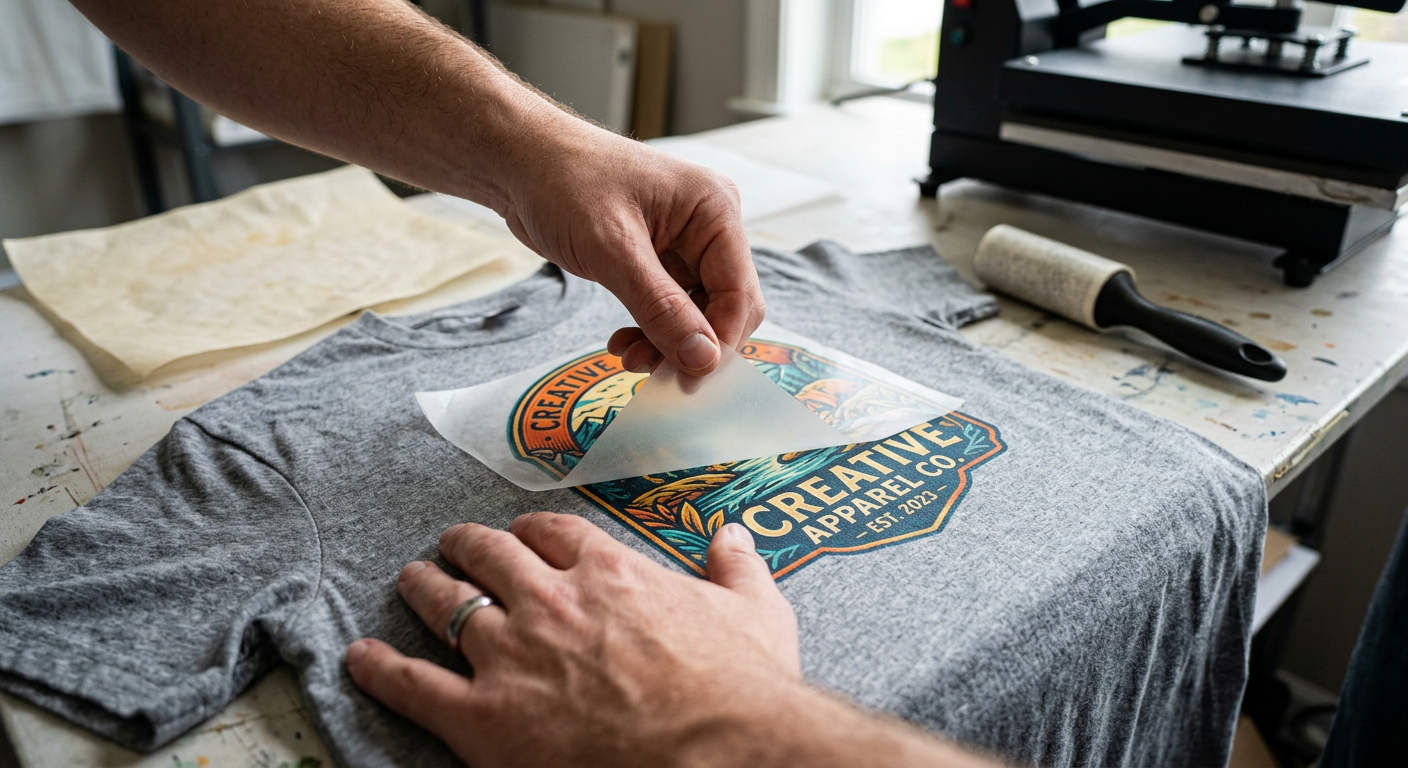
For everyday tees, begin with 315°F for 15 seconds and firm to high pressure. Pre-press for three to five seconds to remove moisture and wrinkles, cool the carrier completely, peel slowly at a low angle, then finish with parchment or a finishing sheet for five seconds.
The finishing press improves the surface feel and helps secure delicate edges. It is especially useful for full-color graphics, small lettering, and designs with fine outlines.
Polyester performance shirts
Start lower, around 300°F for 10 to 12 seconds, with firm and even pressure. Polyester can develop shine, scorch marks, or dye migration when it receives too much heat, particularly in red, maroon, navy, and heavily dyed athletic blanks.
Avoid long pre-presses on sensitive performance fabric. Test the exact color and style before committing to a team order, then allow the transfer to cool completely before peeling.
Dark garments and heavy fleece
Dark shirts demand a clean garment surface because lint can show around bright artwork. Use a lint roller, pre-press briefly, and make sure seams, pockets, drawstrings, and thick hood areas are off the pressing surface so the platen can contact the graphic evenly.
For fleece and hoodies, use a pressing pillow or print area that levels the garment. The goal is not maximum pressure. The goal is consistent pressure across the full design.
Fix Common DTF Print Failures Before They Reach Customers
Most transfer problems point back to a specific control issue. Diagnose the symptom first, then make a narrow adjustment.
Edges lift during the peel
The adhesive likely did not receive full contact, enough time, or a complete cool-down. Lay the film back down carefully, re-press for a few seconds, let it cool fully, and peel again. Check whether a seam or uneven lower platen prevented contact.
The print looks dull or feels unusually stiff
First, inspect the transfer before pressing. Poor nozzle performance, excessive ink load, poor powder coverage, or over-curing can cause a thick or muted result. Do not assume more heat will fix a production-side problem.
Polyester shows shine or color bleed
Reduce heat, shorten the initial press, and test again on the same blank. Dye migration can appear later, so inspect a test shirt after it has rested. For high-risk athletic fabric, use a transfer system designed for low-temperature application.
Fine details are missing or broken
Check nozzle tests, RIP settings, white-layer registration, and artwork resolution. For customer artwork, clean transparent edges and avoid extremely thin details that cannot survive film handling, powdering, pressing, and wear.
Build a Faster, More Flexible Apparel Workflow
Many shops do not need to own and maintain a DTF printer to deliver sharp custom apparel. Ordering press-ready transfers lets you focus on garment selection, placement, fulfillment, and customer service while avoiding ink circulation, powder curing, and daily maintenance.
At Five Star DTF, we print press-ready full-color apparel transfers for shirts and hoodies with no minimums, same-day printing and shipping options, and free shipping on orders over $100. For retail drops and boutique graphics, our sparkle-finish DTF transfer collection gives apparel a stronger visual pop. For tumblers, packaging, and hard-surface branding, use custom UV DTF sticker transfers, which apply without a heat press.
FAQ
Do I need a commercial heat press for DTF shirts?
No, but you need a press that delivers stable temperature and even pressure. A quality clamshell or swing-away press can produce professional results when you verify platen temperature and use the correct transfer instructions.
Should I use a Teflon sheet on the first press?
Usually, no. Apply the transfer according to its supplier instructions, because a cover sheet can change heat delivery and pressure. A parchment sheet or finishing sheet is most useful for the final press after peeling.
Can I use an iron for DTF transfers?
An iron is not recommended for production-quality DTF work. It is difficult to maintain consistent heat and pressure across the full design, which increases the risk of lifting edges and uneven adhesion.
How do I know if my pressure is firm enough?
The transfer should receive even contact across every detail, without visible gaps or lifting after cooling. If one side fails repeatedly, inspect platen alignment and garment seams before increasing pressure.
Can I press DTF on tri-blend T-shirts?
Yes, but test first because tri-blends often contain heat-sensitive synthetic fibers. Begin with a lower-temperature profile suited to the specific transfer, use a short pre-press, and watch for shine or scorching.
Why does my white print look gray on a dark shirt?
A weak white underbase, clogged white nozzles, poor powder coverage, or heat-related dye migration can all affect white brightness. Check the transfer quality before changing your press settings.
Summary
The best results come from a disciplined system: use a verified transfer profile, keep printer maintenance consistent, test each new blank, and adjust only one variable at a time. For standard T-shirts, 315°F for 15 seconds with firm pressure, a full cold peel, and a brief final press is a strong baseline for standard Five Star DTF transfers.
Put Your Next Shirt Run on a Proven Press Profile
Ready to stop guessing and start pressing with confidence? Order press-ready DTF transfers online from Five Star DTF, or pick up locally at 305 S Rockford Dr Ste B, Tempe, AZ 85281. We provide fast turnaround, same-day printing and shipping options, no minimums, and free shipping on orders over $100, printed in Tempe and shipped nationwide.
Consistency Wins More Than a Perfect Number
The right DTF setting is the one that produces a clean peel, flexible feel, vivid color, and dependable wash performance on your actual garment. Build your settings log, protect each test blank, and keep your production process repeatable. That is how small apparel brands turn reliable transfers into reliable profit.
About Five Star DTF
Five Star DTF is Arizona’s leading provider of
DTF transfers, Glitter DTF prints, UV DTF stickers,
and Sublimation transfers — offering same-day printing, fast nationwide shipping,
and convenient local pickup in Tempe, Arizona.
We proudly serve Tempe, Scottsdale, Phoenix, Mesa, Gilbert, Chandler, and all of Arizona,
helping creators, apparel brands, small businesses, and print shops produce premium, press-ready transfers with
vivid color, soft stretch, and long-lasting durability.
There are no setup fees, no minimum orders, and turnarounds are always fast.
Our Top Products
- DTF Transfers
- Glitter DTF Transfers
- UV DTF Stickers
- Sublimation Transfers
- Press Instructions & Tips
- Contact & Local Pickup
Artwork Help
Need your artwork cleaned, fixed, resized, or made print-ready? We offer background removal, vectorizing, color correction, and gang sheet layout.
Ready to Print?
Order DTF Transfers or
Upload Your Artwork to get started today.
All orders over $100 ship free — printed in Tempe, AZ and shipped statewide and nationwide.