

A great transfer can still fail if the press settings are wrong. For reliable, retail-ready shirts, we use a different starting point for cotton than we do for polyester, then fine-tune time and pressure based on the garment, design size, and transfer instructions.
For DTF heat press settings for cotton polyester garments, the safest approach is simple: use more heat and time for cotton, then lower the temperature and shorten the first press for polyester. This protects sensitive performance fabrics while giving the adhesive enough heat and pressure to bond.
Start With These Proven Press Settings
These settings are reliable baselines for standard Five Star DTF cold-peel transfers. Always run a small test on a matching blank before producing a customer order, especially with athletic apparel, dyed polyester, or unfamiliar garment brands.
| Garment type | Temperature | First press | Pressure | Peel |
|---|---|---|---|---|
| Cotton and cotton blends | 315°F | 15 seconds | Firm to high | Cold peel |
| Polyester activewear | 300°F | 10 to 12 seconds | Firm | Cold peel |
| Cotton-poly blend | 305 to 315°F | 12 to 15 seconds | Firm | Cold peel |
| Glitter DTF | 320°F | 8 to 10 seconds | Medium-firm | Cold peel |
Five Star DTF recommends 315°F for 15 seconds on cotton and blends, plus 300°F for 10 to 12 seconds on polyester activewear in our DTF press instructions. The goal is full, even contact across the entire design, not excessive force that crushes seams or leaves a platen mark.
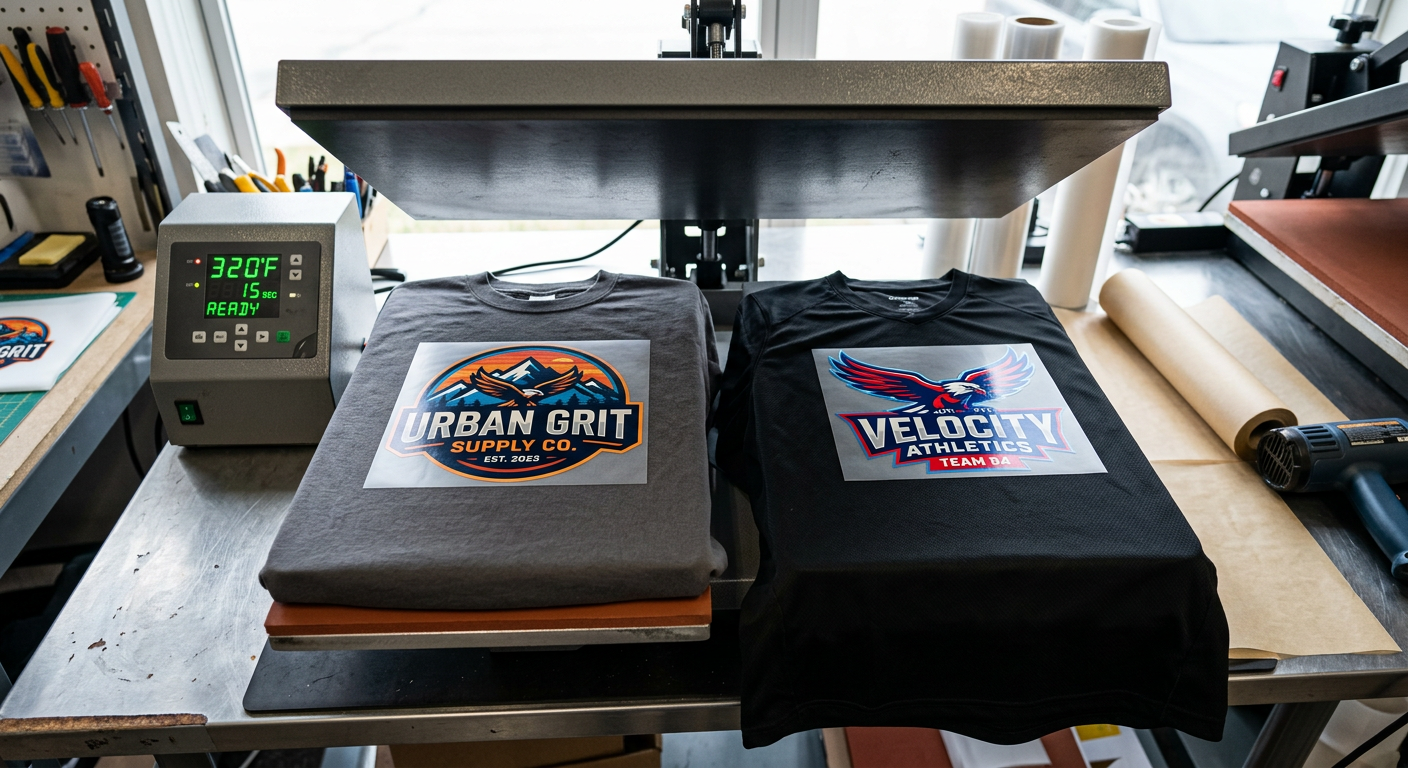
Cotton Settings: Use Heat and Firm Pressure for Full Adhesion
Cotton is the more forgiving fabric. It handles 315°F well, making it a strong choice for custom T-shirts, hoodies, staff apparel, event merch, and small-business orders.
Our Cotton DTF Press Sequence
- Pre-press for 3 to 5 seconds to remove moisture and wrinkles.
- Place the transfer with the printed side against the garment and the carrier film facing up.
- Press at 315°F for 15 seconds using firm to high pressure.
- Let the garment cool completely.
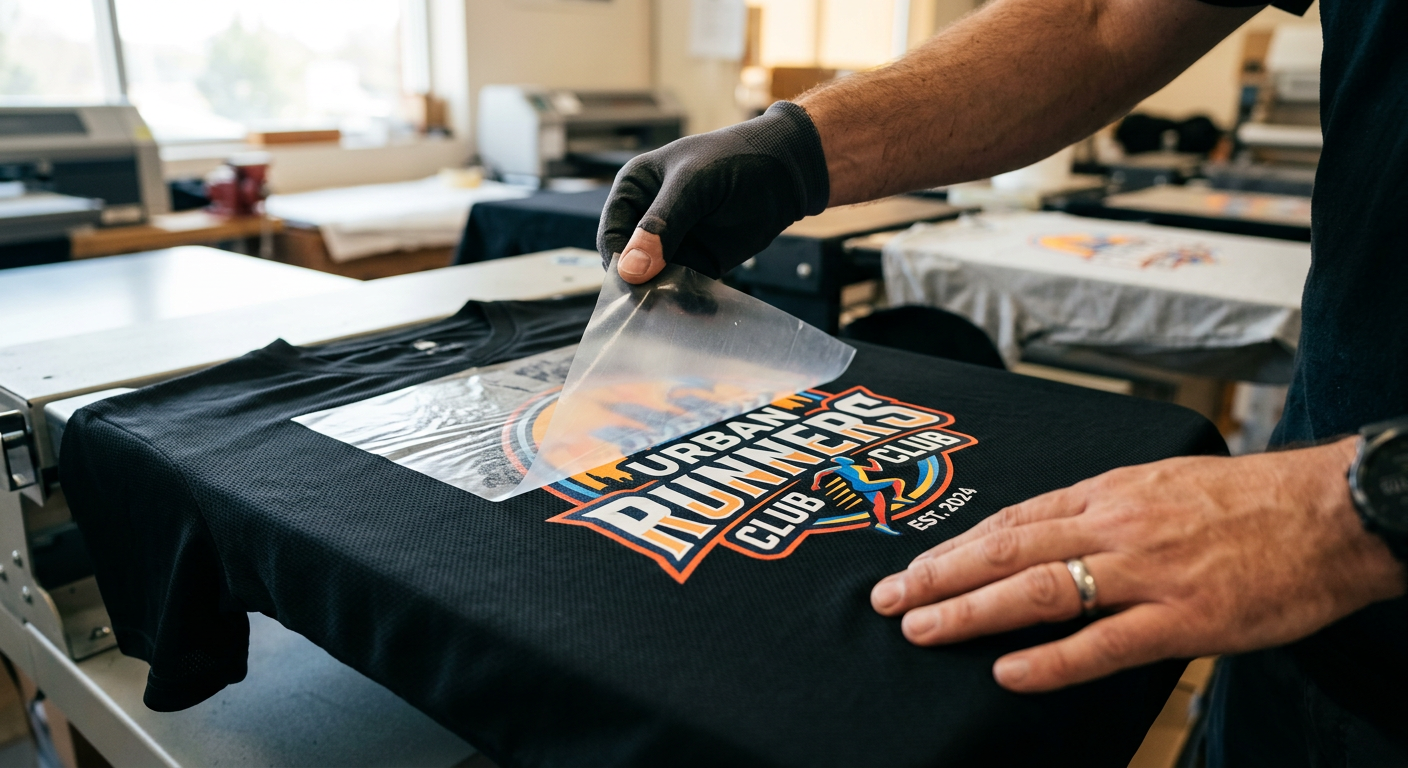
- Peel slowly from one corner at a low angle.
- Cover the print with parchment paper or a finishing sheet, then press again for 5 seconds.
That final press is a small step with a big payoff. It smooths the surface, supports adhesion around fine details, and gives the finished graphic a more professional feel.
A heat press supplier guide from DTF Transfers lists 310°F to 325°F as the normal temperature range for cotton and recommends 12 to 15 seconds on a standard press. Their key point is worth remembering: a transfer that needs more bonding can be re-pressed, but a scorched shirt cannot be undone.
Polyester Settings: Lower Heat Protects the Garment
Polyester needs a lower-temperature approach because it can show shine, scorching, or dye migration when it receives too much heat. Start at 300°F for 10 to 12 seconds with firm, even pressure, then cold peel only after the carrier film has cooled fully.
How to Reduce Dye Migration on Sportswear
Dye migration happens when heat pulls garment dye into light-colored ink, often turning white graphics pink, gray, or off-color. It is most common on red, maroon, navy, and heavily dyed athletic shirts.
Use these safeguards for polyester DTF prints:
- Keep the platen near 300°F rather than using cotton settings.
- Limit the pre-press to only what is needed to flatten the shirt.
- Test a sample of the exact garment color before running a team order.
- Use a cover sheet for a cleaner, more controlled finish.
- Allow the shirt to cool fully before peeling.
- Avoid increasing both temperature and time at once when troubleshooting.
For a 50/50 blend, start at 305°F to 315°F. The higher the polyester content, the closer we stay to 300°F. That adjustment matters when you are producing uniforms, gym apparel, or online orders where every shirt must match.
Pressure Matters as Much as Temperature
DTF adhesive needs heat to activate, but it also needs real pressure to bond cleanly into the garment fibers. A press can display the right temperature and still create lifting edges if the platen is too loose or the shirt is sitting over a thick seam.
We recommend firm pressure for most DTF transfers. On a manual press, you should feel controlled resistance when closing it. On a hoodie, use a pressing pillow or pad to raise the print area above seams, pockets, drawstrings, and zippers.
If small letters, corners, or thin lines lift after cooling, inspect pressure before adding more heat. More heat is not always the answer, especially on polyester.
A Repeatable Workflow for Small Apparel Orders
The fastest shops do not guess on every shirt. They create a repeatable setup for each blank, then document the settings for the next order.
For Day 12 of a consistent production workflow, we recommend building a simple press log with five fields: garment brand, fabric content, temperature, press time, and pressure setting. Add one more note for peel performance. After a few jobs, you will know exactly how your favorite blanks behave, and reorders move much faster.
This is especially useful for Etsy sellers, print shops, and apparel brands that rotate between cotton tees, Bella-style blends, team jerseys, fleece hoodies, and tote bags. A one-minute test press can prevent a full run of flawed garments.
Common Problems and the Fast Fix
Why is my transfer lifting when I peel?
The transfer likely needs more pressure, more even contact, or a few additional seconds of pressing. Put the carrier film back down, re-press for 5 seconds, cool again, and peel slowly.
Why does the print look cloudy after peeling?
The carrier may have been removed before the garment cooled, or the finish needs a final press. Cover the design with parchment paper and press for about 5 seconds to improve the surface.
Why does polyester look shiny after pressing?
The temperature may be too high, the press may be too tight, or the garment may have been pre-pressed too long. Lower the heat, reduce dwell time, and test on a spare panel before continuing.
Why are white areas changing color on a jersey?
That is usually dye migration. Use a lower setting, shorten the press, and test the exact fabric color. For difficult athletic garments, choose a transfer solution designed for dye-blocking performance.
DTF Compared With Other Apparel Decoration Methods
DTF is often the best fit for full-color, no-minimum apparel orders, but it is not the only option. Use the process that fits your artwork, order size, fabric, and production timeline.
| Method | Best fit | Main advantage | Main tradeoff |
|---|---|---|---|
| DTF transfers | Full-color, mixed fabrics, small runs | No weeding, press-ready detail | Requires accurate heat press settings |
| Heat transfer vinyl | Simple names and one-color graphics | Good for basic personalization | Weeding and layering take time |
| Screen printing | Large runs with repeat artwork | Efficient at higher quantities | Setup makes small runs less practical |
| Sublimation | White polyester apparel | Lightweight, permanent feel | Does not work on cotton or dark shirts |
For cotton, polyester, and blends, DTF gives creators the flexibility to produce detailed graphics without committing to high quantities. Five Star DTF also offers Glitter DTF transfers for spirit wear, boutiques, dance teams, and apparel that needs a high-impact sparkle finish.
Keep Your Transfers Looking New After Washing
Correct pressing starts durability, but garment care protects it. Wash DTF apparel inside out in cold water with mild detergent. Avoid bleach, fabric softener, high dryer heat, and ironing directly on the print.
A properly applied transfer can be built for serious wear. DTF Transfers reports that a correctly applied DTF design can hold up for up to 100 wash cycles, with most failures tied to application rather than the transfer itself. Consistent press settings are what turn that potential into dependable customer results.
Frequently Asked Questions
Can I use the same DTF settings for cotton and polyester?
No. Cotton generally uses 315°F for 15 seconds, while polyester should start closer to 300°F for 10 to 12 seconds. Polyester is more heat-sensitive and can develop shine or dye migration when pressed like cotton.
Do I need to pre-press every shirt?
Yes, but keep it short. A 3 to 5 second pre-press removes moisture and wrinkles on cotton, while polyester should receive only the minimum pre-press needed to flatten the fabric.
Should I use a Teflon sheet or parchment paper?
Use parchment paper or a finishing sheet for the final press. It protects the graphic and helps create a smoother, more matte finish without direct platen contact.
Can I press DTF transfers with a Cricut EasyPress?
You can press small designs with a handheld unit, but it requires careful, even pressure and overlapping coverage. For larger designs, gang sheets, and repeat customer orders, a clamshell or swing-away press is more consistent.
What if the carrier film will not release cleanly?
Stop peeling instead of pulling harder. Lay the film back down, press again for a few seconds, let the garment cool completely, then peel slowly at a low angle.
Do UV DTF stickers need a heat press?
No. UV DTF stickers are pressure-applied decals for hard, smooth surfaces such as cups, glass, packaging, and acrylic. They are not designed for T-shirts or fabric.
Get Press-Ready Transfers Without the Wait
When you need clean color, dependable adhesion, and a turnaround that keeps customer orders moving, Five Star DTF is built for the job. Order custom press-ready DTF transfers online with no minimums, free shipping on orders over $100, and same-day printing and shipping options.
We print in Tempe, Arizona, and offer local pickup at 305 S Rockford Dr Ste B, Tempe, AZ 85281. For artwork or order help, visit our contact page.
Summary
Cotton performs best at 315°F for 15 seconds with firm to high pressure. Polyester needs lower heat, usually 300°F for 10 to 12 seconds, because protecting the garment is as important as bonding the transfer.
Build your workflow around test presses, full platen contact, cold peeling, and a short final press. Once those steps become routine, your DTF prints for T-shirts, hoodies, and athletic wear will look consistent, feel professional, and stay ready for repeat business.
Press With Confidence
The right numbers are only the starting point. Your real advantage comes from matching those settings to the garment, using even pressure, and testing before production runs.
We built this process for creators who need dependable results without slowing down. From one custom shirt to a rush order of team apparel, a dialed-in press turns premium transfers into merchandise customers are proud to wear.
About Five Star DTF
Five Star DTF is Arizona’s leading provider of
DTF transfers, Glitter DTF prints, UV DTF stickers,
and Sublimation transfers — offering same-day printing, fast nationwide shipping,
and convenient local pickup in Tempe, Arizona.
We proudly serve Tempe, Scottsdale, Phoenix, Mesa, Gilbert, Chandler, and all of Arizona,
helping creators, apparel brands, small businesses, and print shops produce premium, press-ready transfers with
vivid color, soft stretch, and long-lasting durability.
There are no setup fees, no minimum orders, and turnarounds are always fast.
Our Top Products
- DTF Transfers
- Glitter DTF Transfers
- UV DTF Stickers
- Sublimation Transfers
- Press Instructions & Tips
- Contact & Local Pickup
Artwork Help
Need your artwork cleaned, fixed, resized, or made print-ready? We offer background removal, vectorizing, color correction, and gang sheet layout.
Ready to Print?
Order DTF Transfers or
Upload Your Artwork to get started today.
All orders over $100 ship free — printed in Tempe, AZ and shipped statewide and nationwide.