
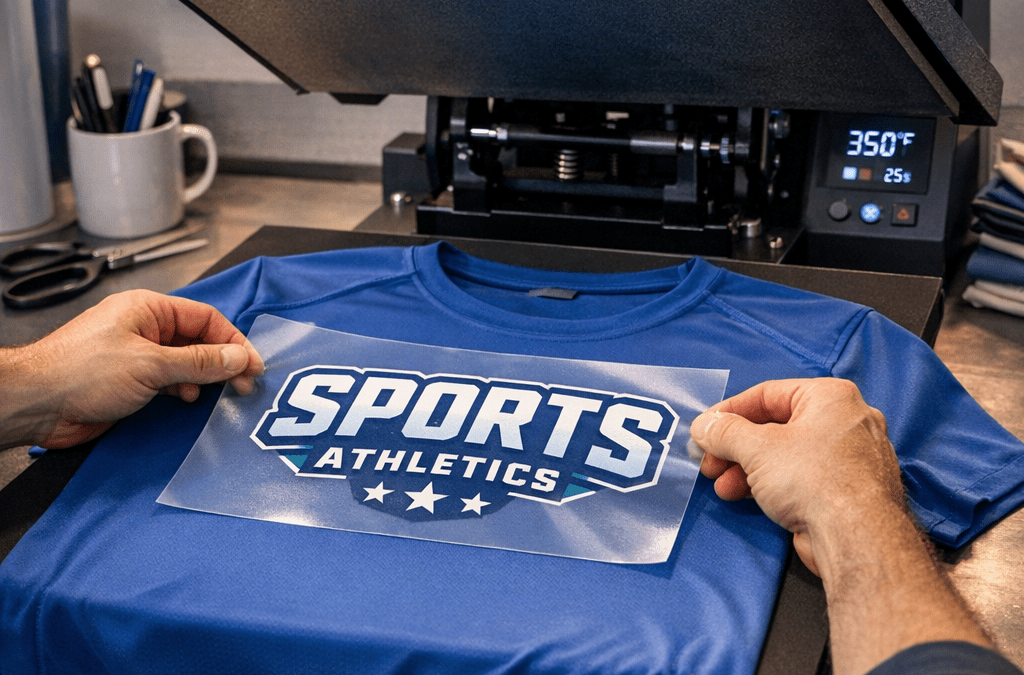
Pressing DTF onto polyester can feel tricky at first, but with the right prep, temperature, pressure, and peel timing you can get vibrant, durable prints without scorching or stiffness. In this guide you'll get step-by-step settings, troubleshooting tips, and wash-care notes so your transfers look great every time. Bold tip: how to press dtf on polyester is mostly about testing, protection, and dialing in the heat press for the specific fabric.
Why polyester needs special care
Polyester melts and distorts at high temperatures, and many performance fabrics use coatings or microporous finishes that react differently to heat. That means the same settings you use for cotton can cause scorching, shine, or fabric puckering on polyester. The good news is DTF is very forgiving when you follow lower-temp, shorter-time approaches and use protective covers.
Key principles
- Lower temperature, slightly longer dwell is safer than a high-heat short press.
- Protect the fabric surface with a Teflon sheet or parchment to prevent shine and glue bleed.
- Always test on a scrap or inside seam before pressing production runs.
Pre-press checklist
- Clean, lint-free workspace and garment free of moisture. Pre-wash new garments if possible.
- Trim excess film and ensure adhesive is evenly distributed on the transfer.
- Use a quality Teflon sheet or silicone liner and heat-resistant tape for placement.
- Have a scrap piece of the same polyester for test press verification.
Recommended press settings (starting point)
Use these as baseline settings, then run a small test and adjust. Every heat press and transfer paper can vary, so testing is essential.
- Pre-press garment: 5 to 7 seconds at 270 to 280°F, light to medium pressure, to remove wrinkles and moisture.
- Press with transfer: 12 to 15 seconds at 285 to 300°F, medium pressure (approx 30 to 40 PSI).
- Peel: Cold peel is safest for many polyesters to avoid the film sticking incorrectly; try hot peel only if the manufacturer’s transfer instructions explicitly allow it.
- Final cure (optional but recommended for added durability): Press again for 8 to 10 seconds at 275°F with a Teflon cover, medium pressure.
These settings aim to avoid melt and shine while ensuring the adhesive activates and the ink bonds to the polyester fibers.
Step-by-step pressing process
- Prep the shirt: Pre-press the polyester for 5 to 7 seconds to flatten seams and remove moisture. Use light to medium pressure.
- Position the transfer: Place the DTF transfer print-side up on the garment. Secure with heat-resistant tape if needed.
- Protect the surface: Cover with a Teflon sheet or parchment paper to prevent shine and trap heat evenly.
- Press using baseline settings (see previous section). Start with the lower end of the time/temperature range on first tests.
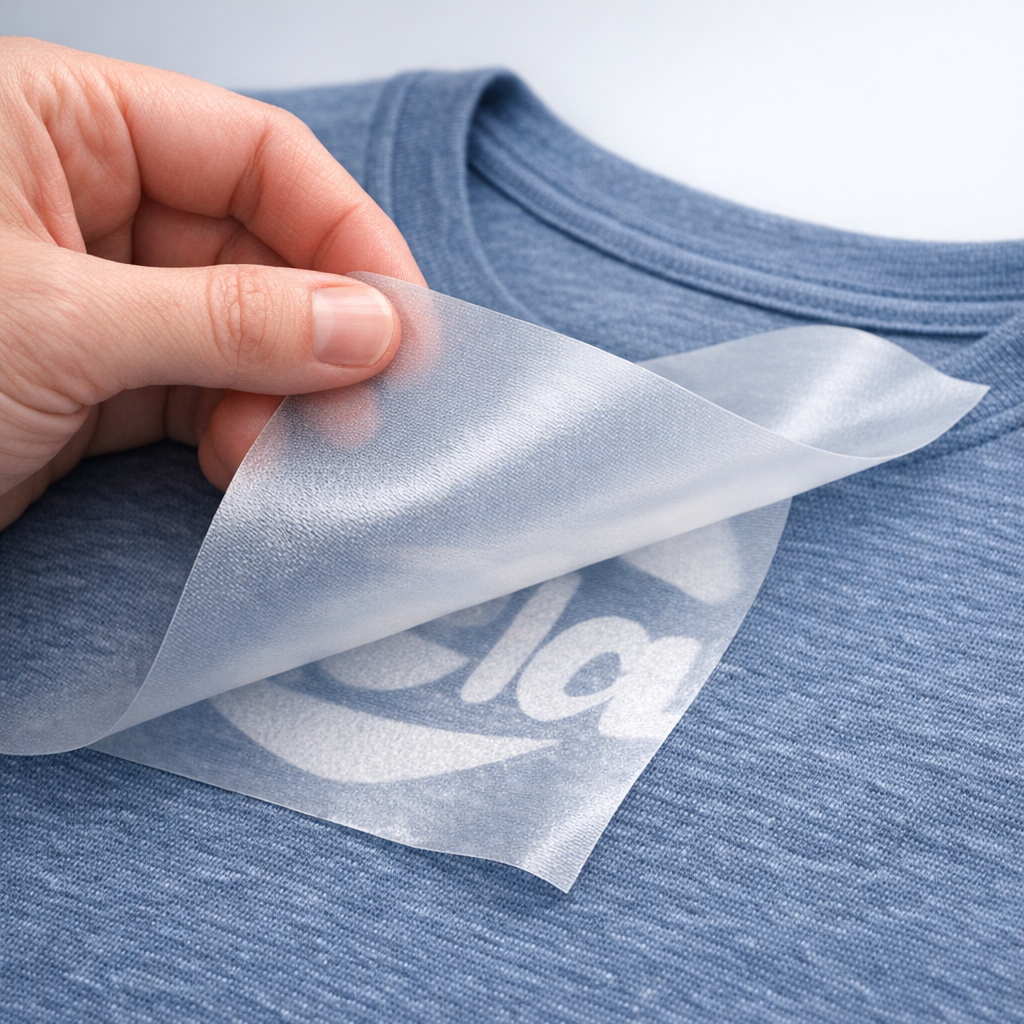
- Peel method: Let the transfer cool for cold peel, then remove film slowly. If instructions call for hot peel and your fabric tolerates it, test carefully.
- Post-press cure: Cover and press for 8 to 10 seconds to embed adhesive and smooth edges.
- Inspect and test wash after 24 hours to confirm durability.
Tips for different polyester types
- Lightweight poly blends and performance jerseys: Use the lower end of the temperature range and test cold peel.
- Heavy polyester or poly-cotton blends: You can move toward 295 to 300°F for short time but still test first.
- Activewear with sublimation coating: These may need special handling; always test a scrap and prefer cold peel.
Troubleshooting common issues
- Adhesion failure: Increase pressure slightly or add a brief post-press cure. Verify transfer adhesive flash was fully activated.
- Scorching or melting: Lower temperature and shorten time. Check platen temperature accuracy with an infrared thermometer.
- Shine or glossy area: Use a thicker Teflon cover or parchment and reduce pressure.
- Cracking on stretch fabric: Use a softer press and test peel method; a gentler cure often helps.
Washing and care for DTF on polyester
- Wash inside out on cold, gentle cycle.
- Use mild detergent, avoid bleach and harsh chemicals.
- Tumble dry low or hang dry. High dryer heat and aggressive cycles shorten life.
- Wait 24 hours before first wash when possible to let adhesive set fully.
Summary
DTF on polyester is highly achievable when you respect the fabric's heat sensitivity. Pre-press to remove moisture, use protective covers, start with lower temperatures and test, then fine-tune time and pressure. Cold peel is usually safest for polyester, and a short post-press cure will lock in durability. Always run a test press before committing to a full run.
FAQ
What is the best temperature and time to press DTF on polyester?
Start around 285 to 300°F for 12 to 15 seconds, then test. Pre-press at 270 to 280°F for 5 to 7 seconds first. Adjust lower if you see shine or melting.
Should I hot peel or cold peel DTF transfers on polyester?
Cold peel is generally safer for polyester to avoid glue transfer problems. Only use hot peel if your specific transfer instructions and test swatches show it works reliably.
How much pressure should I use when pressing DTF on polyester?
Use medium pressure, roughly 30 to 40 PSI on most platen presses. If your press uses low/medium/high descriptors, choose medium and test.
Can I press DTF on performance athletic fabrics?
Yes, but be cautious. Use lower temps, protective covers, and test a scrap. Some performance coatings react differently, so always test before production.
How do I avoid shine or glossy spots after pressing?
Use a Teflon sheet or parchment, reduce pressure slightly, and lower temperature. A quick post-press cover press often evens out the finish.
Will DTF on polyester stretch and crack?
Good-quality DTF transfers are flexible, but heavy stretch requires careful testing. Use medium pressure, proper curing, and avoid over-pressing which can make prints stiff.
Ready to press?
If you want production-ready transfers printed fast, we’ve got you covered. Order DTF transfers online for same-day printing and fast shipping or pick up locally in Tempe. Order online: https://fivestardtf.com/product/dtf-transfers/
📍 Local pickup: 305 S Rockford Dr Ste B, Tempe, AZ 85281
Conclusion
Here’s the thing, polyester pushes you to be precise. With careful testing, protective covers, and the conservative temperature/time ranges above, you’ll get vivid, soft, and durable DTF prints that stand up to wear and washing. Start with a scrap, note the results, and dial in your press. Need transfers printed and ready same-day? Five Star DTF in Tempe delivers fast, high-quality DTF transfers with no minimums and free shipping over $100.
About Five Star DTF
Five Star DTF is Arizona’s leading provider of
DTF transfers, Glitter DTF prints, UV DTF stickers,
and Sublimation transfers — offering same-day printing, fast nationwide shipping,
and convenient local pickup in Tempe, Arizona.
We proudly serve Tempe, Scottsdale, Phoenix, Mesa, Gilbert, Chandler, and all of Arizona,
helping creators, apparel brands, small businesses, and print shops produce premium, press-ready transfers with
vivid color, soft stretch, and long-lasting durability.
There are no setup fees, no minimum orders, and turnarounds are always fast.
Our Top Products
- DTF Transfers
- Glitter DTF Transfers
- UV DTF Stickers
- Sublimation Transfers
- Press Instructions & Tips
- Contact & Local Pickup
Artwork Help
Need your artwork cleaned, fixed, resized, or made print-ready? We offer background removal, vectorizing, color correction, and gang sheet layout.
Ready to Print?
Order DTF Transfers or
Upload Your Artwork to get started today.
All orders over $100 ship free — printed in Tempe, AZ and shipped statewide and nationwide.