

A packed sheet of transfer film can look like a colorful puzzle, but there is real production strategy behind it. For apparel brands, Etsy sellers, school spirit shops, and print businesses, the goal is simple: fit useful artwork onto film without making cutting, pressing, or fulfillment harder than it needs to be.
DTF gang sheets explained in plain terms: they are layouts that place multiple designs, repeats, or print sizes on one piece of DTF film. They can be a smart way to organize small graphics, but they are not automatically the lowest-cost route for every job. In fact, a clean individual-transfer order often wins when your artwork is large, inconsistent in size, or difficult to nest tightly.
DTF Gang Sheets at a Glance
| Option | Best Fit | Main Advantage | Watch Out For |
|---|---|---|---|
| Gang sheet | Many small designs | Uses open film area | Requires careful layout |
| Individual transfers | Medium and large prints | Pay by exact artwork size | Less flexible for tiny mixed graphics |
| Repeated logo sheet | Uniforms and branded apparel | Easy batching | Needs accurate quantity planning |
| UV DTF sticker sheet | Hard-surface branding | No heat press needed | Not for apparel fabrics |
What Is a DTF Gang Sheet?
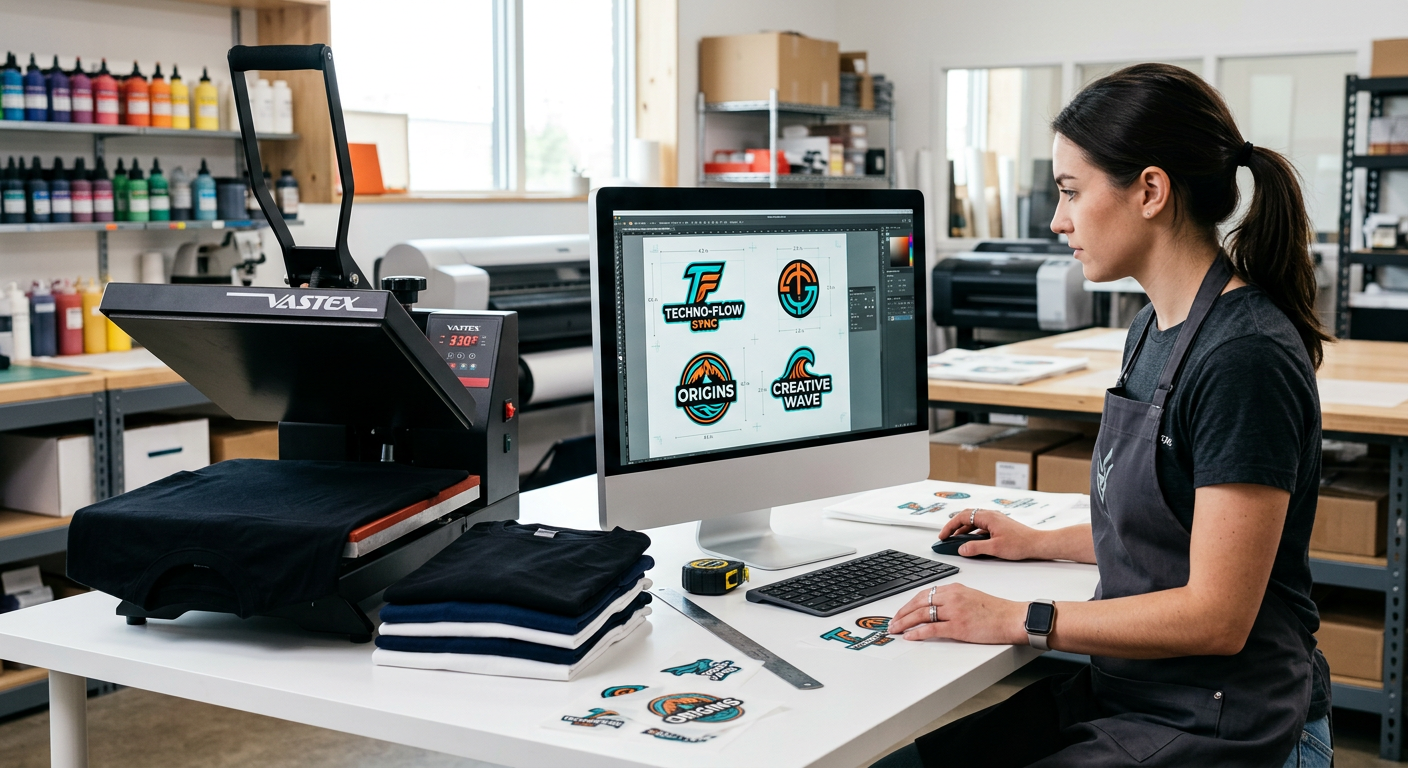
A DTF gang sheet is one larger piece of direct-to-film transfer material containing several designs printed together. You might place a left-chest logo, a sleeve graphic, a neck label, a small pocket design, and a few extra brand marks on the same sheet. Once the film arrives, you cut the pieces apart and press each one onto its intended garment.
The concept is straightforward, but the layout determines whether it is genuinely efficient. A good sheet is built around final garment placement, real print sizes, and easy cutting lanes, not simply filling every blank corner with artwork.
When a gang sheet makes sense
We see gang sheets work best when you have a collection of smaller designs that fit together naturally. Think event logos, youth team names, chest prints, hat patches, sleeve art, or a batch of product labels for a clothing launch.
They are also useful when you want a variety of designs without committing to a large quantity of any one graphic. A boutique can prepare several seasonal looks in one production run, then press garments as orders come in.
When individual transfers are the smarter buy
Here is the part many sellers miss: more artwork on one sheet does not always mean better value. Five Star DTF notes that individual transfers are usually the more economical choice for medium and large art, repeated full-size designs, and layouts with empty, awkward gaps. You pay for the exact print dimensions rather than film you cannot use.
If you are ordering one large back print and two large front prints, do not force them into a gang sheet just because it sounds efficient. Compare the actual printable area first, then choose the option that leaves the least paid-for waste.
How We Build a Productive Gang Sheet Layout
Start with the finished garment, not the canvas
Before opening your design program, list every item you plan to press. Include the garment type, print location, quantity, and finished size. A left-chest print for a polo might need a different scale than the same logo on a hoodie or youth tee.
This simple step prevents a common mistake: building a beautifully filled sheet, then realizing the prints are the wrong dimensions for the garments. Keep a ruler or garment-placement guide nearby while setting sizes.
Group designs by height and purpose
Arrange graphics with similar heights in rows whenever possible. Tall designs beside tall designs and small logos beside small logos are easier to cut cleanly, easier to count, and usually create less unused space.
Then use small logos, sleeve prints, care labels, or bonus stickers to fill practical gaps. We recommend avoiding tiny scraps of usable-looking space if cutting into them would create confusion during production.
Leave room to cut with confidence
Crowding artwork edge to edge is not a winning layout. Leave clear separation between designs so you can cut them apart without nicking a neighboring print or slowing down a rush apparel order.
The right amount of spacing depends on artwork shape and your cutting method. Complex contours, fine lettering, and designs with transparent details benefit from more breathing room than simple rectangular logos.
Use print-ready files at the intended size
Resolution is not something to fix at the last minute. Adobe Photoshop identifies 300 pixels per inch as the industry standard for high-quality prints, especially for work viewed up close. Build your gang sheet at the final physical dimensions so the detail you see is the detail you can expect to press.
For Five Star DTF orders, accepted artwork includes PNG, TIFF, EPS, and AI files in RGB or CMYK. If you need a background removed, a file resized, or art cleaned before production, review the available artwork help and design services.
The Best Layout Strategy for Common Orders
Apparel brand launch sheet
For a new drop, combine a few left-chest logos, sleeve marks, neck prints, and small accessory graphics. Keep each collection together and add a small label outside the artwork area in your working file so you know what each design is after cutting.
Avoid mixing a dozen unrelated orders on one sheet unless your organization system is airtight. One sheet may look efficient on-screen but become a sorting problem at the heat press.
Team, school, or event order
Repeat logos can work well for uniforms, booster-club apparel, and event tees. Make every repeat the same finished size, align them in clean rows, and count the pieces twice before uploading.
If names and numbers are involved, separate variable-data prints from standard logos. This helps you verify spelling and avoid pressing the wrong name onto the wrong garment.
Etsy seller test run
A gang sheet can be useful when you are testing a small collection of designs. Build a controlled sample mix, press one of each on your intended fabric, and note the final colors, placement, and feel before scaling up.
If your products use glitter effects, order glitter DTF transfers separately when the shine itself is part of the design goal. For tumblers, packaging, glass, and other hard surfaces, UV DTF stickers are the better fit because they apply without a heat press.
Mistakes That Cost More Than They Save
Ordering a sheet before calculating usable area
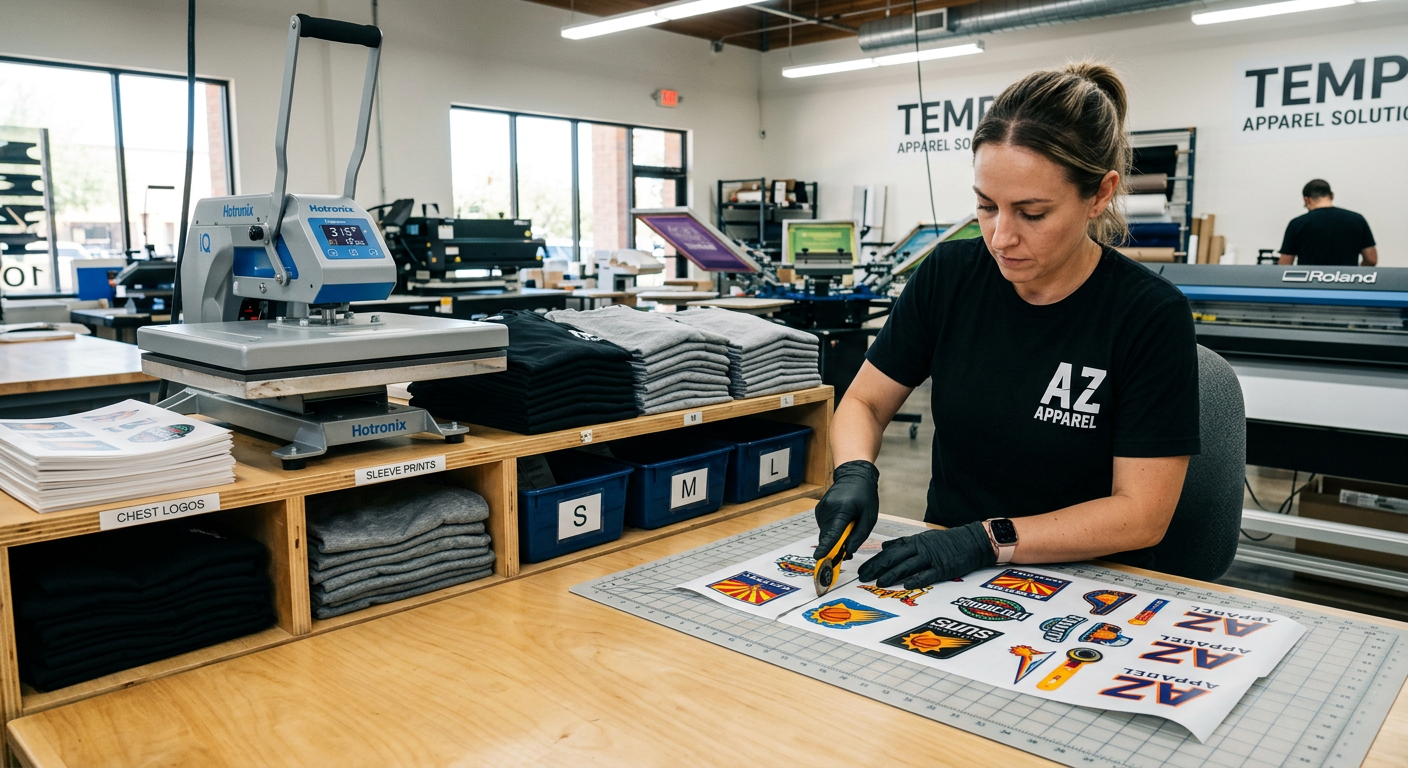
A large sheet with several inches of blank film is not a bargain. Measure the total printable area of your art, estimate the gaps you will need for cutting, and compare that footprint with individually sized DTF transfers.
We recommend treating blank space as a cost, not a harmless detail. If you cannot fill it with a design you will actually use, individual pieces may be the better choice.
Sizing by what looks right on a screen
A graphic can appear large on a laptop and still press too small on an adult hoodie. Set width and height in inches, verify the intended garment size, and check whether the design needs a front, back, chest, sleeve, or pocket placement.
Forgetting that white prints too
DTF uses a white underbase where the artwork requires it. A white rectangle behind your artwork is not invisible, it can print as part of the design. Export with a transparent background unless your design intentionally includes a colored shape.
Ignoring application instructions
Every film, adhesive, fabric, and heat press combination can behave a little differently. Follow the DTF pressing instructions for temperature, pressure, peel method, and post-press guidance, then test unfamiliar garments before fulfilling a full customer order.
FAQ: DTF Gang Sheets Explained
Are DTF gang sheets cheaper than individual transfers?
Sometimes, but only when the sheet is tightly packed with useful smaller designs. Individual pieces can cost less when the artwork is medium or large, repeated, or difficult to fit together without large empty areas.
Can we put different designs and sizes on one gang sheet?
Yes. Mixing sizes is one of the main benefits of a gang sheet. The key is to leave cutting room and keep the layout organized enough that each transfer is easy to identify after production.
What file format should we use for a DTF gang sheet?
PNG is a common choice for artwork with transparency, while TIFF, EPS, and AI may also suit professional workflows. Use the submission requirements from your print provider and keep art at the final size you plan to press.
Should we mirror artwork before uploading?
Do not mirror unless your provider specifically instructs you to do so. A professional DTF workflow handles film printing correctly, and an unnecessary mirror can leave you with reversed text or artwork.
Can a gang sheet include shirt prints and UV DTF decals?
No. Apparel DTF and UV DTF are designed for different applications. Use regular DTF film for shirts, hoodies, bags, and fabric, then use UV DTF for hard-surface items such as drinkware, glass, plastic, metal, and wood.
Do we need a DTF printer to use gang sheets?
No. You can upload your completed layout and order ready-to-press transfers. All you need on your end is the right heat press, the correct settings, and a reliable process for cutting and organizing the finished pieces.
Build Press-Ready Transfers Without Wasting Film
When your order includes multiple small logos, varied placements, or a carefully planned collection, a gang sheet can be a powerful production tool. Five Star DTF prints press-ready DTF transfers in Tempe, Arizona, with no setup fees, no minimum quantities, same-day production for qualifying orders placed by 1 PM MST, local pickup, and free shipping on orders over $100.
Order online at Five Star DTF Transfers, or pick up locally at 305 S Rockford Dr Ste B, Tempe, AZ 85281. Need help deciding between a gang sheet and individual prints? Contact our team before you upload, and we will help you choose the practical option for your order.
The Bottom Line
Gang sheets are not a magic discount, they are a layout tool. Use them when several small, compatible designs can share film efficiently, and skip them when exact-size individual transfers create less waste and less production friction.
For small businesses and creators in Tempe, Phoenix, Mesa, Gilbert, Chandler, Scottsdale, and beyond, the best workflow is the one that keeps your artwork sharp, your production organized, and your margins protected. Plan the garment first, build the artwork at real print size, then choose the format that earns its space on the sheet.
Summary
A DTF gang sheet holds multiple transfer designs on one piece of film, making it useful for compact logos, labels, sleeves, and mixed small graphics. The strongest layouts use accurate sizing, clean spacing, organized grouping, and only the artwork you will truly press. For large or loosely matched graphics, individually sized transfers are often simpler and more cost-effective.
About Five Star DTF
Five Star DTF is Arizona’s leading provider of DTF transfers, Glitter DTF prints, UV DTF stickers, and Sublimation transfers, offering same-day printing, fast nationwide shipping, and convenient local pickup in Tempe, Arizona.
We proudly serve Tempe, Scottsdale, Phoenix, Mesa, Gilbert, Chandler, and all of Arizona, helping creators, apparel brands, small businesses, and print shops produce premium, press-ready transfers with vivid color, soft stretch, and long-lasting durability. There are no setup fees, no minimum orders, and production is always fast.
Our Top Products
- DTF Transfers
- Glitter DTF Transfers
- UV DTF Stickers
- Sublimation Transfers
- Press Instructions & Tips
- Contact & Local Pickup
Artwork Help
Need your artwork cleaned, fixed, resized, or made print-ready? We offer background removal, vectorizing, color correction, and gang sheet layout.
Ready to Print?
Order DTF Transfers or
Upload Your Artwork to get started today.
All orders over $100 ship free, printed in Tempe, AZ and shipped statewide and nationwide.