
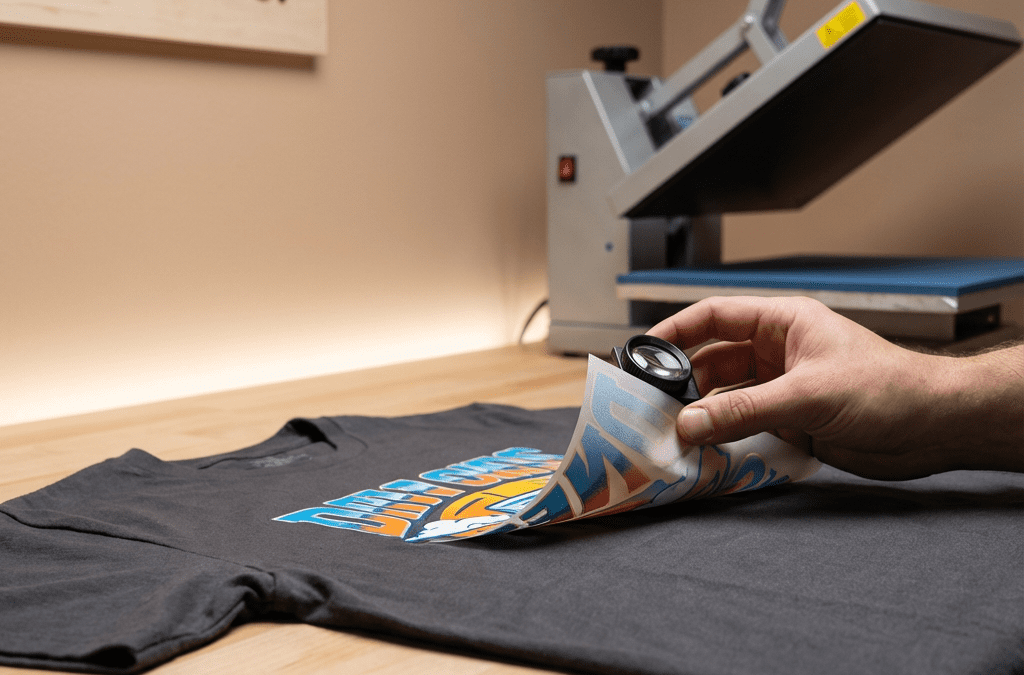
If a fresh transfer peels after pressing, it can derail an order and cost time and money. You want fast, reliable results, and you need fixes that work on the first try. In this guide I walk you through practical, press-tested solutions for troubleshooting dtf transfer peeling, covering causes, checks, and step-by-step fixes so you can stop lifts and start shipping.
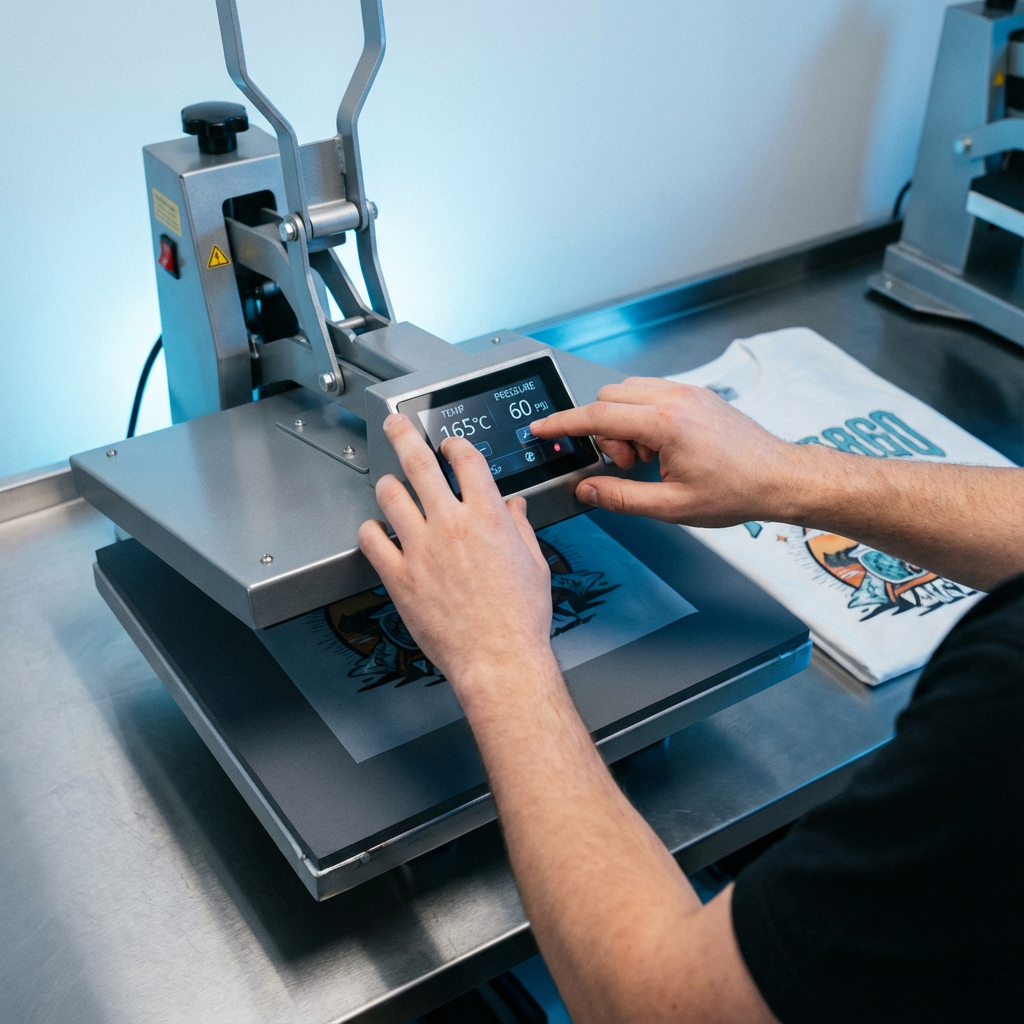
Why DTF Transfers Peel, Short Answer
Peeling usually comes from one or more of the following: incorrect temperature or time, insufficient pressure, wrong peel method, contaminated fabric, or a problem with the transfer itself like under-cured adhesive powder or a bad film batch. Here is a quick checklist you can run in under five minutes:
- Confirm press temperature with an IR gun or calibrated probe.
- Confirm press time and pressure are correct for the fabric.
- Check peel type, warm or cold, per the film and product.
- Inspect garment surface and seams for dust, coatings, or silicone.
- Verify storage and handling of transfers, humidity can affect adhesive.
Diagnose First, Fix Second
Step 1, Inspect the Peel Pattern
Look at where the design lifts. Edge lifts often point to pressure or partial contact. Full-area lifting usually signals undercure or adhesive failure. Grainy or fuzzy lifts could be contamination.
Step 2, Test a Control Swatch
Always press a control swatch from the same film batch on the same fabric. If the swatch fails, the issue is with the transfer or press settings, not the artwork.
Step 3, Ask About Storage and Handling
Transfers stored folded, in high humidity, or near heat sources can degrade. If you received multiple failing transfers from the same batch, quarantine them and test a new batch.
Common Causes and How to Fix Them
Temperature Too Low or High
-
Problem, too low: Adhesive does not melt and bond to fibers, lifting occurs after cool down or wash.
-
Fix: Raise temp in 5 to 10°F increments and press a test. For most cotton and blends start around 300–315°F, then adjust per the product instructions.
-
Problem, too high: Overcooking can make the adhesive brittle or cause dye migration on polyester.
-
Fix: Lower temp slightly and increase time rather than maxing out heat.
Insufficient Pressure
- Problem: Air gaps or uneven contact, especially around seams and heavy fabrics.
- Fix: Increase pressure gradually. For hoodies or thick fabrics, use a firmer pressure and add a few seconds. For glitter or textured films use medium pressure to protect texture.
Wrong Peel Method
- Problem: Peeling warm vs cold wrong for the film causes incomplete bond or stretch.
- Fix: Follow product-specific instructions. Many standard DTF transfers use cold peel; specialty films like certain glitter stocks may require warm peel. When in doubt, follow the supplier's instructions or test both methods on a swatch.
Contaminated Garment Surface
- Problem: Oils, softeners, starch, or silicone from detergent prevent bonding.
- Fix: Prepress for 2 to 5 seconds to remove moisture and flatten fibers. Use a lint roller and avoid fabric softener. Press again with correct settings.
Transfer or Adhesive Powder Issues
- Problem: Bad powder laydown or under-cured adhesive will not bond.
- Fix: If you print in-house, check powder application and curing oven. For purchased transfers, contact your supplier and test another batch. Do not attempt to recoat and re-cure consumer transfers, order replacements.
Step-by-Step Rescue Press (When a Piece Partially Lifts)
- Lay the garment flat, smooth wrinkles, and place a clean Teflon or parchment sheet over the design.
- Press at 10–20°F lower than original temp for 8–12 seconds with firm pressure.
- Remove cover and wait 30–60 seconds, then test adhesion edge to center.
- If edges still lift, repeat a second time. If full design peels back, stop and re-evaluate settings and film batch.
Preventive Best Practices
- Calibrate your heat press regularly with an IR thermometer.
- Use a pressure gauge or plates to ensure even contact.
- Prepress blanks for 2–3 seconds to evaporate moisture.
- Follow manufacturer press instructions precisely, available in our Instructions page.
- Store transfers flat, cool, and dry, away from sunlight.
- When ordering, request a test swatch for new film types.
When to Contact Your Supplier
If multiple test swatches fail after you follow the troubleshooting steps, it is likely a transfer quality issue. Gather these details before contacting support:
- Batch number or order number
- Photos showing lifting pattern
- Press temp, time, and pressure used
- Fabric type and garment treatment
If you ordered from Five Star DTF, our support team can help identify causes or reprint problem orders quickly. See our Contact page for help.
FAQ: Troubleshooting DTF Transfer Peeling
Why did my DTF peel after the first wash?
Most wash-related lifts come from low pressure or under-bonding. Repress the garment with a Teflon cover at the recommended settings, then advise the customer on wash care: turn garment inside out, cold wash, tumble low or hang dry.
Should I warm peel or cold peel DTF transfers?
Follow the film instructions. Standard DTF usually uses cold peel. Some specialty films, like certain glitter types, may call for a warm peel. Test to confirm.
Can I re-press a peeled transfer and save it?
If the transfer is only partially lifting, a controlled repress with a Teflon sheet often fixes it. If the entire print separates cleanly, do not reapply, replace the transfer.
Why do edges lift but center stays good?
Edges lifting typically mean uneven pressure or trapped air. Increase pressure and use a longer press on edges or reposition to ensure flat contact over seams.
Does fabric type affect adhesion?
Yes. High-pile fabrics like fleece or heavy terry may need more pressure or longer time. Polyester may need lower temp to avoid dye migration. Test on a swatch.
How can I avoid dye migration on polyester?
Lower temperature by 5 to 10°F and increase dwell time slightly. Use polyester-safe settings and test thoroughly.
What if I suspect a bad batch of film?
Stop using that batch, test another, and contact the supplier with batch details and photos. Good suppliers will replace defective media quickly.
Summary
Peeling is almost always solvable by diagnosis and a short round of tests. Check temperature, time, and pressure first. Use control swatches, follow peel instructions, and keep transfers stored properly. When you need help fast, prompt tests and clear photos accelerate supplier support.
Ready to Stop Peeling and Start Shipping
Want professional transfers you can trust? Five Star DTF prints same-day in Tempe and ships nationwide fast. Order ready-to-press DTF transfers, Glitter DTF, or UV DTF Stickers from our shop, and follow our press instructions for perfect adhesion every time.
Order online: https://fivestardtf.com/product/dtf-transfers/
📍 Local pickup: 305 S Rockford Dr Ste B, Tempe, AZ 85281
Need hands-on troubleshooting or a reprint? Visit our Contact page or review our Press Instructions.
Conclusion
Here is the thing, troubleshooting is faster when you methodically test swatches and record your settings. Most peeling comes down to pressure, temperature, or peel technique. Use the rescue press steps above and keep a small stash of control swatches from each film batch. When you partner with a responsive supplier like Five Star DTF, you get fast reprints, same-day local pickup in Tempe, and advice from experienced printers so you can keep selling with confidence.
About Five Star DTF
Five Star DTF is Arizona’s leading provider of
DTF transfers, Glitter DTF prints, UV DTF stickers,
and Sublimation transfers — offering same-day printing, fast nationwide shipping,
and convenient local pickup in Tempe, Arizona.
We proudly serve Tempe, Scottsdale, Phoenix, Mesa, Gilbert, Chandler, and all of Arizona,
helping creators, apparel brands, small businesses, and print shops produce premium, press-ready transfers with
vivid color, soft stretch, and long-lasting durability.
There are no setup fees, no minimum orders, and turnarounds are always fast.
Our Top Products
- DTF Transfers
- Glitter DTF Transfers
- UV DTF Stickers
- Sublimation Transfers
- Press Instructions & Tips
- Contact & Local Pickup
Artwork Help
Need your artwork cleaned, fixed, resized, or made print-ready? We offer background removal, vectorizing, color correction, and gang sheet layout.
Ready to Print?
Order DTF Transfers or
Upload Your Artwork to get started today.
All orders over $100 ship free — printed in Tempe, AZ and shipped statewide and nationwide.